Logitech Ergo K860 Wireless Ergonomic Split Keyboard
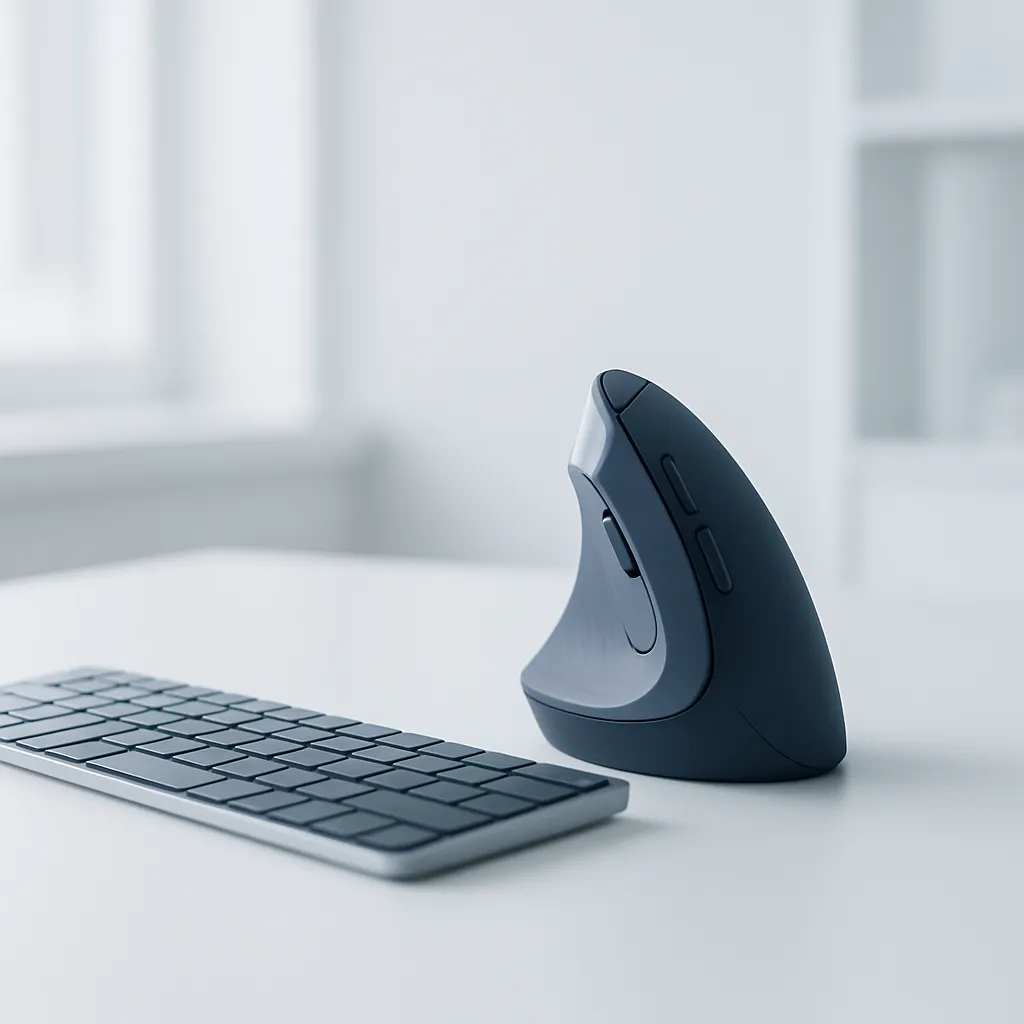
The Logitech Ergo K860 is a full-size wireless keyboard with a curved, split keyframe and adjustable 0°/-4°/-7° tilt that holds both wrists nearer neutral, reducing the ulnar deviation and forearm pronation a flat keyboard forces. An integrated pillowed palm rest supports the forearms, and it pairs with a vertical mouse to cover both typing and mousing.
Rate this pick
Our own community ratings — from confirmed Amazonia readers, never Amazon. Yours helps the next person decide, and steers what we feature next.
What does the research say about the Logitech Ergo K860 Wireless Ergonomic Split Keyboard?
Every claim below is tied to a source you can open, quoted verbatim — how we research picks.
-
“Analyses of pooled effect size from six studies indicated that the AT had a large effect on pronation (r= 0.85) and ulnar deviation whereas the FA had a large effect only on ulnar deviation (r= 0.79).”
A meta-analysis found tented and split alternative keyboards have a large effect on reducing forearm pronation and ulnar deviation versus a flat keyboard.
Baker & Cidboy, American Journal of Occupational Therapy (PubMed) · 2006 ↗ -
“Split, gabled keyboard designs can prevent or improve upper extremity pain among computer users; the mechanism appears to involve the reduction of awkward wrist and forearm postures.”
Split, gabled keyboard geometry works by pulling the wrist and forearm out of awkward postures.
Rempel et al., Ergonomics (PubMed) · 2009 ↗ -
“there was no corresponding consistent improvement in clinical findings in the alternative geometry keyboard groups compared to the placebo group”
Honest limit: a randomized trial saw hand-pain improvement over months but no consistent clinical improvement versus placebo — posture and comfort help, not a proven cure.
Tittiranonda, Rempel et al., American Journal of Industrial Medicine (PubMed) · 1999 ↗
Educational summary of the research — not medical or veterinary advice. Evidence strength varies and individual results differ; talk to a qualified professional before changing your (or your pet's) health routine.
How does the Logitech Ergo K860 Wireless Ergonomic Split Keyboard compare?
| Logitech Ergo K860 | Standard keyboard | Microsoft Sculpt Ergonomic | |
|---|---|---|---|
| Layout | Curved split, single-piece | Flat, straight rows | Split-dome (fixed) |
| Tilt / tenting | 0°/-4°/-7° reverse-tilt legs | Positive slope only | Fixed domed negative tilt |
| Wrist / palm rest | Integrated pillowed rest | None | Detachable cushioned rest |
| Connectivity | Bluetooth + Logi Bolt | Varies (USB / wireless) | USB 2.4 GHz receiver only |
| Number pad | Integrated | Usually integrated | Separate detachable pad |
Buy it if
- Desk workers with wrist or forearm fatigue and ulnar deviation from a flat keyboard
- Anyone already on a vertical mouse who wants to neutralize the typing hands too
- Logitech MX/Bolt owners wanting one receiver across mouse and keyboard
- Touch typists willing to spend a week adapting to a split layout
Skip it if
- Fast gamers and hunt-and-peck typists, who fight the split layout
- Anyone expecting a keyboard alone to cure diagnosed carpal tunnel or RSI
- Users needing a fully-separable, tenting-adjustable board (look at Kinesis Freestyle)
Is the Logitech Ergo K860 Wireless Ergonomic Split Keyboard worth it?
A well-engineered posture upgrade for the typing hands and the natural companion to a vertical mouse: the curved split keyframe and adjustable reverse tilt measurably reduce the forearm pronation and ulnar deviation a flat keyboard forces, and the pillowed palm rest supports the forearms all day. Go in honest — it rewards touch typists after a short adaptation, and it improves comfort and posture rather than curing existing injury.
Check price on Amazon Live price & reviews on AmazonQuestions, answered
- Should I use a split keyboard and a vertical mouse together?
- Yes — they address different joints and different tasks. The K860's split, tented layout pulls both wrists out of ulnar deviation and forearm pronation while you type; a vertical mouse like the MX Vertical un-pronates the forearm of your mousing hand. Since typing and mousing are the two dominant desk inputs, pairing them covers both, and both live in Logitech's Bolt/Bluetooth ecosystem on one receiver. Source Baker & Cidboy meta-analysis (PubMed) ↗Logitech Ergo K860 ↗
- Is there a learning curve, and will it cure my RSI or carpal tunnel?
- Expect an adaptation period of a week or two — the split layout only helps touch typists, and hunt-and-peck typists fight it. And it is not a cure: a randomized trial found hand pain can improve over months of alternative-keyboard use, but with no consistent clinical improvement versus placebo, and the evidence for preventing carpal tunnel specifically is mixed. Treat it as posture and comfort insurance, and see a clinician for diagnosed pain. Source Tittiranonda/Rempel RCT (PubMed) ↗
- Is there real evidence the split/tented shape reduces wrist strain?
- Yes, and it is measured. A meta-analysis of six studies found tented keyboards had a large effect on forearm pronation (r=0.85) and split fixed-angle designs a large effect on ulnar deviation (r=0.79) versus a flat keyboard, and a separate study concluded split gabled designs work by reducing awkward wrist and forearm postures. Source Baker & Cidboy meta-analysis (PubMed) ↗Rempel et al., Ergonomics (PubMed) ↗
- Logitech Ergo K860 vs a standard keyboard vs Microsoft Sculpt: which?
- The K860 is a single-piece curved split board with a fixed gable, adjustable 0°/-4°/-7° reverse-tilt legs, an integrated pillowed palm rest, and Bluetooth or Logi Bolt — the most flexible tilt of the three. A standard flat keyboard offers none of that. The Microsoft Sculpt uses a fixed domed split with a detachable number pad and a 2.4 GHz receiver only. Pick the K860 for adjustable tilt and Bluetooth/Bolt, the Sculpt for a compact split with a separate number pad. Source Logitech Ergo K860 ↗